RecoverySoftware’s Blog – Page 5

Discover effective methods and step-by-step guides to recover data from your devices. Stay ahead of the game with our advice on retrieval data or storage security.

System Backup is one of the crucial aspects of working with a computer. It ensures the restoration of the operating system to a functional state after a failure, virus attack, or unwanted user interference. Windows 11 has two built-in backup mechanisms, one of which is Windows 11 Restore Points. What is this mechanism? How do you create a restore point? How do you load a restore point and roll back the system to a working state? How do you do this from the Windows 11 recovery environment? We will address these and other questions below.

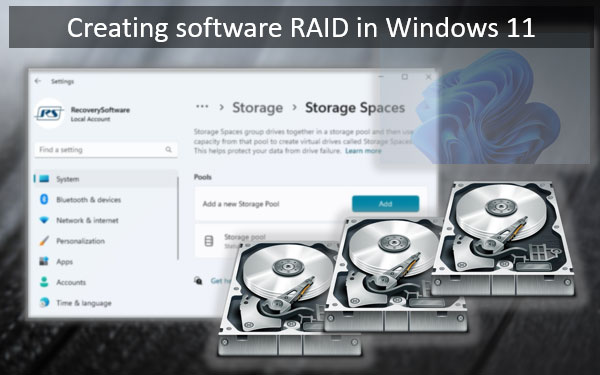
Windows 11 natively supports the creation of software RAID. And for these purposes, it has various tools in its arsenal. One of them is the Storage Spaces feature. In Windows 11, this feature, in addition to the existing classic implementation, has received a new implementation in the modern WinUI system interface. With better usability. And with some functional improvements. How to create software RAID in Windows 11 using Storage Spaces in the WinUI interface?

The accelerated performance and reliability of NVMe drives make them popular in modern computer systems. However, like any other storage device, NVMe SSDs can experience data loss due to accidental file deletion, file system corruption, or device failure. In this article, we will discuss the process of data recovery from NVMe drives and describe several key steps that will help you recover important information from these devices.

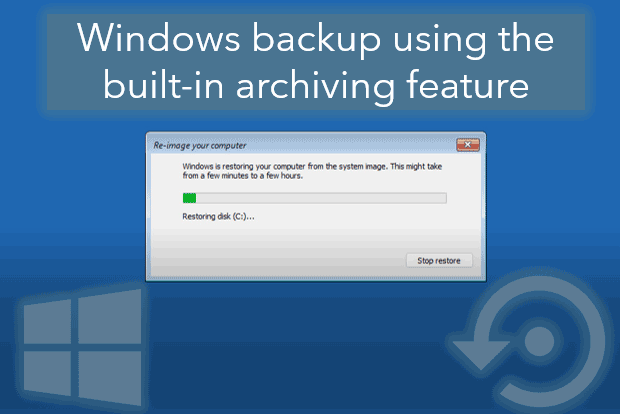
Windows may start to malfunction, crash, and display errors, potentially leading to the loss of important system settings, programs, or files on the C drive. In the event of a serious Windows crash, it may even fail to boot altogether.

To avoid all these issues, it is necessary to periodically back up the operating system in its working state. This way, in case of problems, the system can be restored to this working state. There are various tools available for backing up Windows, one of which is its built-in archiving function. Let's explore how it works.

In the world of distributed data storage on NAS devices such as Synology, QNAP, ASUSTOR, Western Digital, Thecus, TerraMaster, Buffalo and others, information recovery has become an integral part of security. This article brings together methods for recovering data from RAID NAS devices, including drive failure scenarios and simple file recovery without removing drives.

Accidental deletion of photos from a memory card can occur due to various factors, such as mistakenly pressing the "Delete" button, formatting the card, or damaging the device. Losing valuable images can be extremely frustrating. In this article, we will explore methods for recovering deleted photos from a memory card. We will discuss different recovery techniques and provide tips for preventing data loss in the future.