Synology SHR1 Data Recovery After Two Drives Failed

Two drives have failed in your Synology SHR-1 array. DSM reports the storage pool as Crashed and states that data cannot be recovered. SHR-1 data recovery after a double drive failure is the subject of this article — and the situation is more nuanced than DSM's message suggests. Whether your data is recoverable depends not on the count of failed drives alone, but on how they failed and what state the surviving drives are in.

Recover Data from SHR Array Failing During Rebuild Process

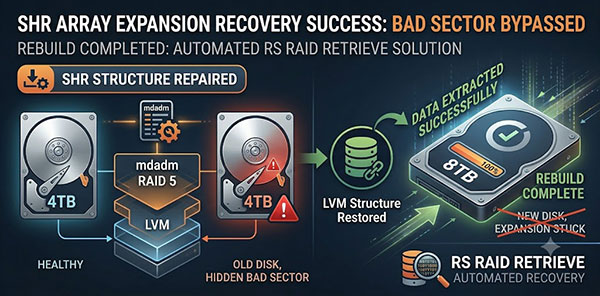
You replaced a 4 TB drive in your Synology SHR array with an 8 TB drive. The rebuild started, ran for a while — and then stopped. DSM shows Degraded, Crashed, or the progress bar has not moved in hours. The NAS may have become unresponsive entirely. This article covers data recovery after an SHR rebuild crash: what actually happened inside the array, how to read the current state without making it worse, and how to get your files back.

How to Recover SHR/SHR2 Array After Synology Hardware Failure

The NAS is dead. The drives are intact. You connect them to a Windows or Linux machine and either see a "You need to format this disk" prompt, or the drives are not visible at all. This is not data loss — it is an access problem. Unlike scenarios where the drives themselves fail, a dead Synology motherboard leaves the SHR volume data physically untouched. What you need to recover is not the data itself, but access to the multi-layered structure Synology uses to store it.

Online Chat with Recovery Software