Recovering Data from Synology

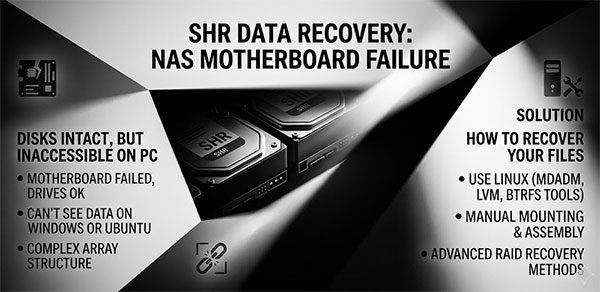
The NAS is dead. The drives are intact. You connect them to a Windows or Linux machine and either see a "You need to format this disk" prompt, or the drives are not visible at all. This is not data loss — it is an access problem. Unlike scenarios where the drives themselves fail, a dead Synology motherboard leaves the SHR volume data physically untouched. What you need to recover is not the data itself, but access to the multi-layered structure Synology uses to store it.
In the world of distributed data storage on NAS devices such as Synology, QNAP, ASUSTOR, Western Digital, Thecus, TerraMaster, Buffalo and others, information recovery has become an integral part of security. This article brings together methods for recovering data from RAID NAS devices, including drive failure scenarios and simple file recovery without removing drives.

The use of RAID arrays in NAS devices does not guarantee protection against failures and data loss. For instance, you may encounter a situation where the data on your Synology NAS has been corrupted, or deleted, or the hard drive has failed.

In such cases, it is important to quickly recover data from the NAS using specialized tools and techniques. In this article, we will walk through the process of data recovery from a Synology NAS DS415+ RAID and discuss the tools and approaches that can help you with this.

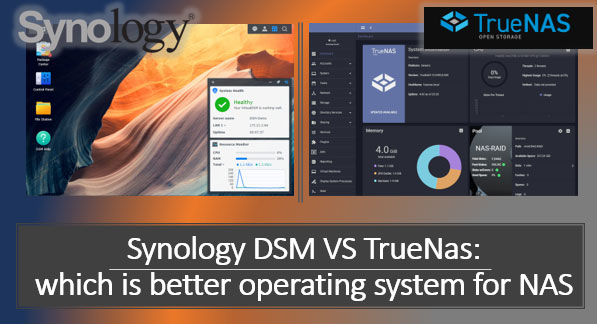
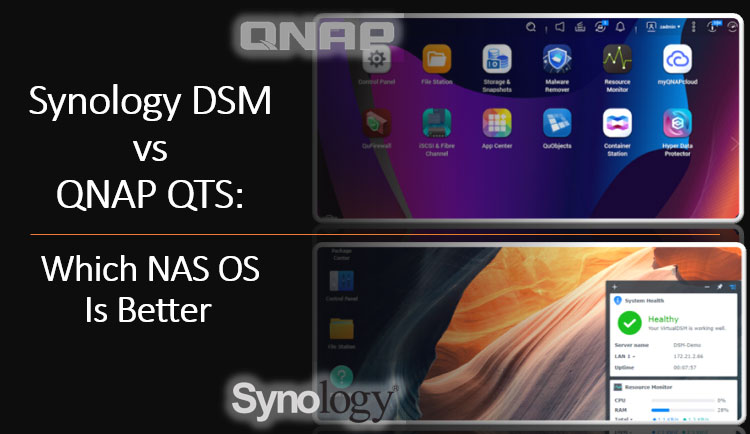
Data storage and access are one of the key aspects of modern life, and the need for reliable and efficient data storage increases every year. One popular solution in this area is Network Attached Storage (NAS) devices. They allow you to create local network data storage, providing fast and convenient access to information. However, choosing the appropriate operating system to manage a NAS can be a challenging task. In this article, we will look at two of the most popular operating systems for managing NAS - Synology DSM and TrueNAS, and try to determine which one is better suited to your needs.

Online Chat with Recovery Software