RecoverySoftware’s Blog – Page 32

Discover effective methods and step-by-step guides to recover data from your devices. Stay ahead of the game with our advice on retrieval data or storage security.

Fragmentation. Hurting computer performance and making your files less recoverable, fragmentation can become your worst enemy when it comes to recovering lost data. Why does that happen, what can be done to recover fragmented files, and how to avoid fragmentation in the first place? Read along to find out.


The solid-state storage technology has reached maturity. It does not mean that flash-based storage media is as robust or as reliable as traditional mechanical hard drives; it merely means that we’ve reached the point where SSD manufacturers are no longer working on improving the main qualities of their devices, instead concentrating their efforts on delivering more gigabytes per dollar.

  • |
  • |
  • 3 min. Reading |

Microsoft Word documents, Excel spreadsheets, PowerPoint presentations, as well as their Open Office counterparts in the “open” world are among the most valuable files on many users’ computers. A hard drive accident, a file system crash, a failed USB thumb drive or a broken laptop can instantly render these valuable files inaccessible.

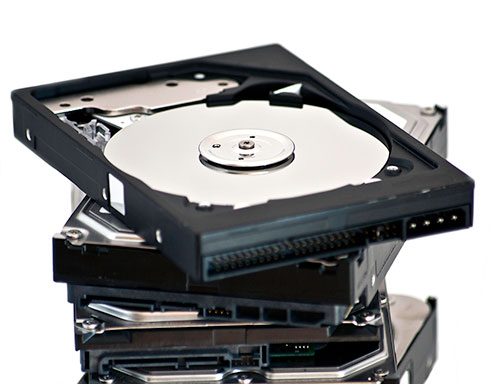
An HDD can appear in BIOS at its correct capacity and still stall on file reads. Windows can also report a RAW volume on a disk that reads normally. Recovery depends on identifying which layer has failed. Software can reconstruct files from readable sectors; a drive that cannot supply those sectors may need hardware work first.

  • |
  • |
  • 5 min. Reading |

In the first article called “How SSD Drives Permanently Erase Deleted Data” we described the reasons for SSD drives to erase your data permanently as soon as you erase a file, quick-format the disk or delete a partition. Sounds scary, doesn’t it? However, this is not always the case. More often than not, your files will still be there on the SSD drive, ready to be recovered. Let’s see when this happens.

In the last series consisting of two articles “How Data Recovery Works” and “How Carving Works”, we looked at how Windows deletes files and how information is left on the hard drive and not automatically erased or overwritten. Well, this is not always the case with SSD drives. In this article we’ll see why.