Recovering Data from HDD

Learn effective methods for data recovery from HDDs. Discover expert tips and tools for successful data retrieval from hard disk drives.

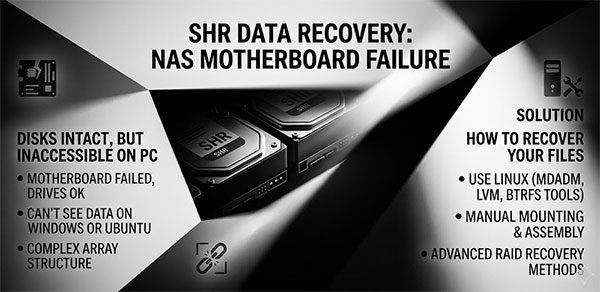
The NAS is dead. The drives are intact. You connect them to a Windows or Linux machine and either see a "You need to format this disk" prompt, or the drives are not visible at all. This is not data loss — it is an access problem. Unlike scenarios where the drives themselves fail, a dead Synology motherboard leaves the SHR volume data physically untouched. What you need to recover is not the data itself, but access to the multi-layered structure Synology uses to store it.

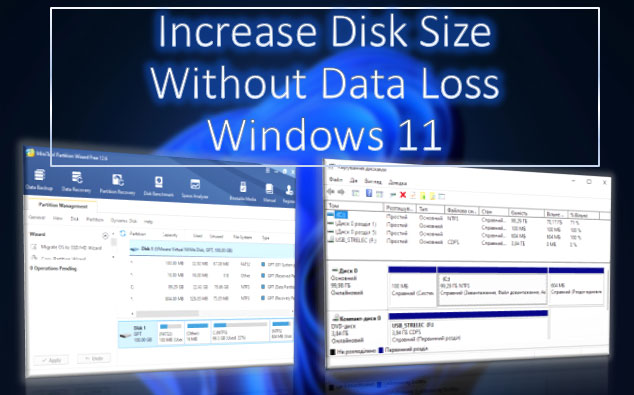
What to do if there is not enough free space on drives C, D, E, etc.? If our needs require a larger disk volume, we can increase the size of one disk by reducing the size of another. This task can be accomplished using the built-in tools of Windows 11 or with third-party disk management programs that offer more flexible operations. Let's take a detailed look at how to extend a disk in Windows 11.

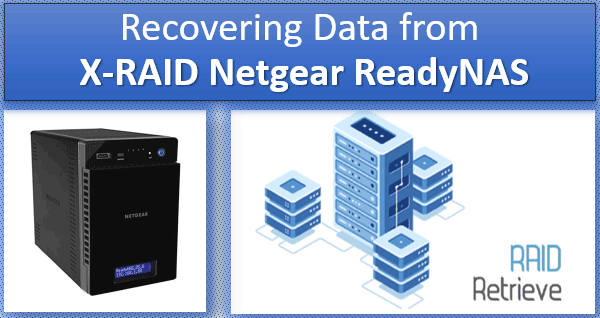
How to recover data from X-RAID Netgear? The technology of building an X-RAID array on Netgear ReadyNAS NAS devices has certain advantages but also has its own nuances. And when it comes to data recovery, it requires support from specialized programs. Let's take a look at how one of these programs works.

Data loss can happen unexpectedly and leave us in a state of panic. Thankfully, there are powerful data recovery software options available to help retrieve our valuable files. In this review, we will explore RS Partition Recovery, Recuva, EaseUS Data Recovery Wizard, Stellar Data Recovery, Disk Drill, R-Studio, MiniTool Power Data Recovery and DiskInternals Partition Recovery. By examining their key features, pros and cons, you can make an informed decision and find the perfect data recovery solution for your needs.

Modern technologies let us recover files from a hard disk if they are lost after ordinary deletion, file transfer or copy failures, other software errors, attempts to reinstall Windows, or if they disappear as a result of partition formatting, after a partition is damaged, or because the whole disk was formatted. You can do it by employing either integrated Windows tools or dedicated data recovery utilities. Let's explore all options in detail.

Have you ever experienced the distressing situation of unintentionally deleting essential disk partitions? Whether it's system partitions, user partitions, or even an entire disk erased by mistake, the prospect of losing valuable data can be daunting. However, there is still hope. In many cases, it is indeed possible to recover deleted disk partitions and retrieve the lost information. This article will guide you through various options and techniques to facilitate the recovery process. So, if you find yourself in such a predicament, read on to explore the effective methods for recovering a deleted disk partition and reclaim your precious data.

How to recover a USB drive after formatting? That is, if it was incorrect formatting, after which the USB drive may not be displayed at all, or displayed in a different format (or as a RAW device), or shown as some unallocated disk space etc. If this is what happened in your case, you need a computer to fix the problem. If you’re lucky, the USB drive can be repaired with Windows integrated features, but you might have to spend some time dealing with more complicated tools.

Online Chat with Recovery Software