Recovering Data from USB

Recover deleted files from formatted USB Drive

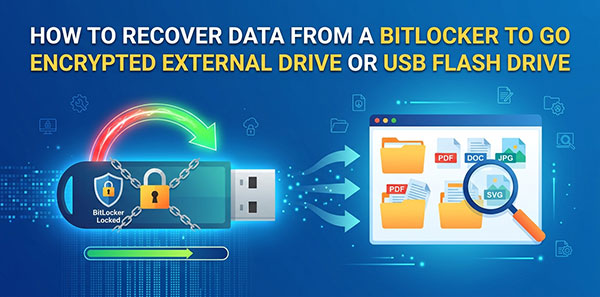
BitLocker To Go is the same encryption engine as system-drive BitLocker, applied to removable media — external HDDs, SSDs, and USB flash drives. The unlock mechanics carry over from our guide to recovering an internal BitLocker volume, but removable drives fail differently in practice: no TPM to fall back on, a visible FAT32 partition that gets mistaken for the whole drive, and a higher rate of physical disconnects mid-operation. This guide covers what's specific to external and USB drives.
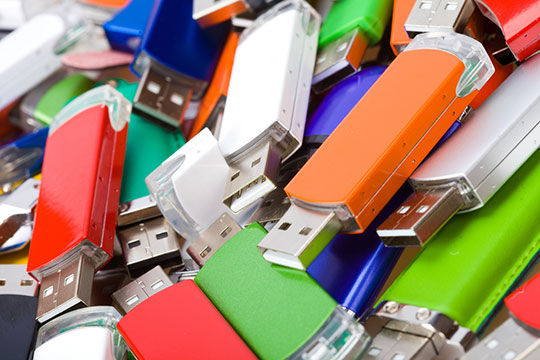
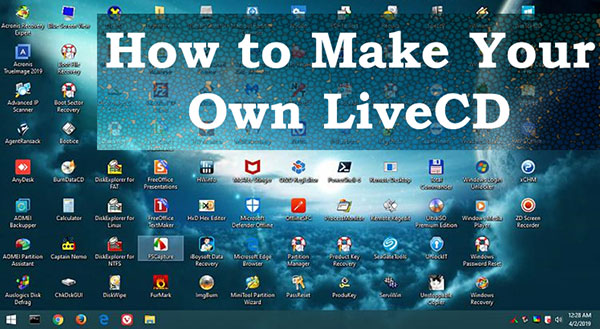
To Make Your Own LiveCD, you should get a stand-alone software environment image and write it to a USB flash drive, or to another removable media like an external hard drive, or an optical disk if your computer has a DVD drive. If you need a ready-made solution, the image can be downloaded from the Internet. Alternatively, you can create a LiveCD of your own that suits your particular needs. Let’s explore all options in detail.

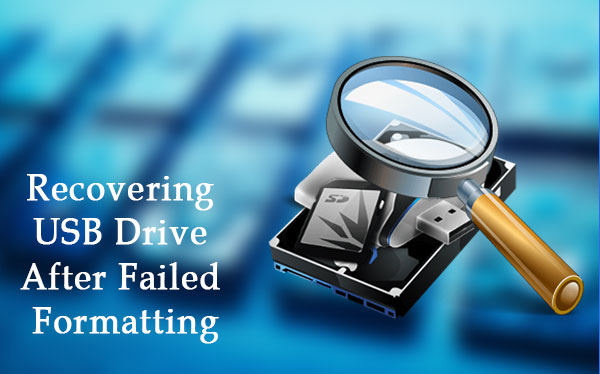
How to recover a USB drive after formatting? That is, if it was incorrect formatting, after which the USB drive may not be displayed at all, or displayed in a different format (or as a RAW device), or shown as some unallocated disk space etc. If this is what happened in your case, you need a computer to fix the problem. If you’re lucky, the USB drive can be repaired with Windows integrated features, but you might have to spend some time dealing with more complicated tools.