Recovering Data from USB

Recover deleted files from formatted USB Drive

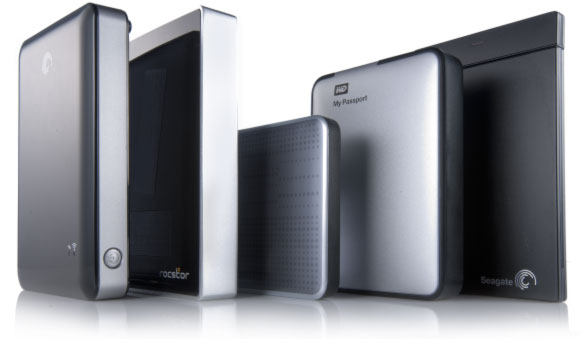
Single-drive attached storage options such as personal clouds, USB 3.0 and SATA enclosures are becoming increasingly popular among home users and in small offices. WD, Buffalo, Shuttle, Synology, Qnap and many other manufacturers offer a wide range of sealed and removable-disk, single and multiple-bay solutions. Not all of these are created equal. Some solutions are inherently more feature-reach than others, and some models are more reliable than the rest of the crowd. However, even the most reliable storage will eventually fail or need replacement. In this article, we’ll have a look at what one can do to preserve (or recover) information stored in these systems.

  • |
  • |
  • 8 min. Reading |

Today’s data recovery tools have no problem recovering your data from a recently formatted hard drive or memory card. If you are following our publications, you may already know how they do it (and if you don’t, you’re welcome to read “Content Aware Recovery and Data Carving Explained” we published two weeks ago). But why exactly is this possible? Isn’t the very purpose of formatting the disk destroying everything on it? Well, not quire. Let’s have a look at what actually happens when you format (or “initialize”) a disk volume.

  • |
  • |
  • 3 min. Reading |

Microsoft Word documents, Excel spreadsheets, PowerPoint presentations, as well as their Open Office counterparts in the “open” world are among the most valuable files on many users’ computers. A hard drive accident, a file system crash, a failed USB thumb drive or a broken laptop can instantly render these valuable files inaccessible.

Online Chat with Recovery Software