- Den Broosen |
- |
- 12 min. Reading |
In this article, we will learn about how to restore Windows 10 boot loader on a modern computer that uses UEFI interface instead of BIOS and GPT (instead of MBR) disk partition table.

In this article, we will learn about how to restore Windows 10 boot loader on a modern computer that uses UEFI interface instead of BIOS and GPT (instead of MBR) disk partition table.
In this article, we will find out what Windows system files are, how to find them, and what to do if the system files are lost or damaged.
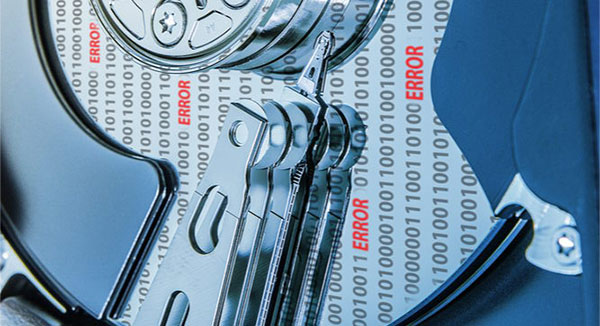
The presence of modern versions of personal computers and laptops implies the use of storage devices, which are subject to mechanical effects, aging, and breakage. In addition to mechanical effects, HDD disks with time appear broken sectors. In this article, we will talk about what are the bad sectors, the symptoms, and the causes of them, and discuss how to fix them.
In this article, we will explain how to use Windows File Recovery in Windows 10 to restore accidentally deleted files.
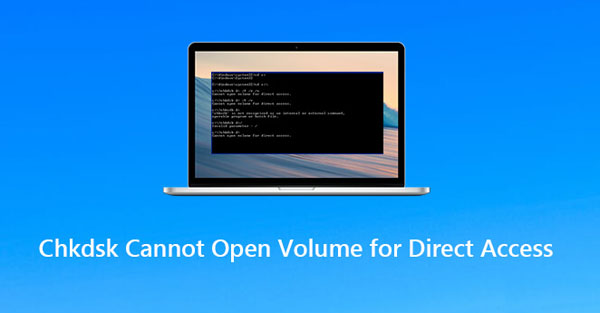
Have you encountered a problem when running the CHKDSK command on a disk partition? Often Windows users find the error message "Unable to open volume for direct access". In this article, we will discuss the causes of this error and how to fix it.

The "Windows 10" operating system, developed by Microsoft Corporation, offers various tools and add-ons that make it much easier to use. One of these tools is the "Microsoft Store". It is a Windows 10 component that is designed to buy and download a variety of universal applications, as well as classic programs and desktop applications. But sometimes it may not work properly, crash, or fail to start. In this article, we will talk about how to fix Microsoft Store 0x803F8001 error in Windows 10

No matter how powerful your computer is, it still has one weak point: the hard disk. It is responsible for your data integrity and security, and it has a significant impact on the performance of your PC. Besides, the hard drive is the only device in the system unit that has moving mechanical parts inside, and that is why it is a weak link that can wipe out all the power of your PC.
Not sure how to configure and use the File History feature in Windows 10? Today we will tell you about its work and give examples of data recovery and previous versions of files.



