
- Den Broosen |
- |
- 13 min. Reading |
Below we will provide some quick and effective ways to recover lost data that has been destroyed after upgrading Windows 10 to the latest version.

Below we will provide some quick and effective ways to recover lost data that has been destroyed after upgrading Windows 10 to the latest version.
What is disk space, and why do I need it? What are its functions and benefits? How can I create disk space on my PC by myself, and how can I combine several different drives into a virtual logical partition? Answers to these questions can be found below.
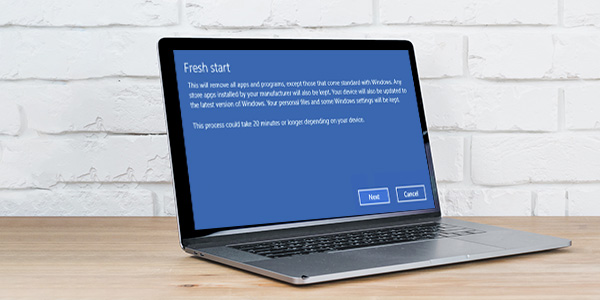
Need to reinstall Windows 10 quickly, cleaning it from viruses and installed applications? Below we will see how to use the "Fresh Start" function, a built-in tool for resetting the operating system parameters.
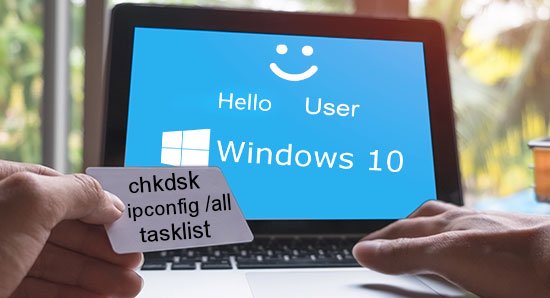
The command prompt is an essential Windows component with which you can fix certain problems, improve system performance, test important components, and learn more about the OS. A list and application of the most useful commands can be found below.

Below we will analyze the notion of hard and symbolic links in Windows, tell you about their primary purpose and key differences. You can also learn how to create links using standard Windows methods or special software quickly.

In this article, we will analyze the main differences and key points of the file system and determine if it made sense to switch from FAT to NTFS.

Would you like to return your Windows 10 operating system to the factory (standard) settings without reinstalling? Below we will analyze the main ways of resetting the system to its original settings.

Many users have come across the fact that their Windows 10 account name is displayed on the system boot screen. It is because the OS assigns identifiers in the form to almost everything. The name of a user, computer, or workgroup, all have a certain unique name for quick identification. Thus, during the launch, the name is displayed, which was given during the OS installing on the computer.



