Recovering Data from SSD

Recover Deleted Data from SSD Drives

What should you do if you delete one or more files from a laptop? What happens if you accidentally format the internal hard drive, or if an experimental OS ruins your Windows partition? How do you restore the system to full operation and get your files back? We’ll try to find out in this paper.
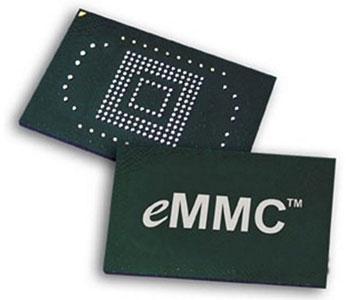
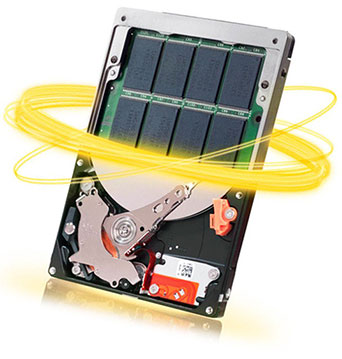
In our blog, we are writing a lot about recovering information from SSD drives. Recently, we added an article on recovering information from hybrid hard drives that combine a traditional magnetic hard disk with a smaller but very fast SSD. What we didn’t cover so far is yet another class of storage media commonly called as “eMMC”.

With the advent of ultra-fast SSD drives, nearly everyone was toying with the idea of replacing their big, loud and power-hungry hard drive with a slim and silent SSD. The extremely high speed of SSD drives is, however, countered by their high cost per gigabyte of storage, which in term limits the practically affordable maximum capacity of such disks to between half a gig and one gigabyte (as of mid-2015).

  • |
  • |
  • 11 min. Reading |

As manufacturers of data recovery software, we have dozens customers contacting us every day requesting assistance recovering lost information. While in most cases we are able to help, some situations are just hopeless. In this article, we’ll talk about how to avoid finding yourself in one of those situations where you can do nothing about your lost data.

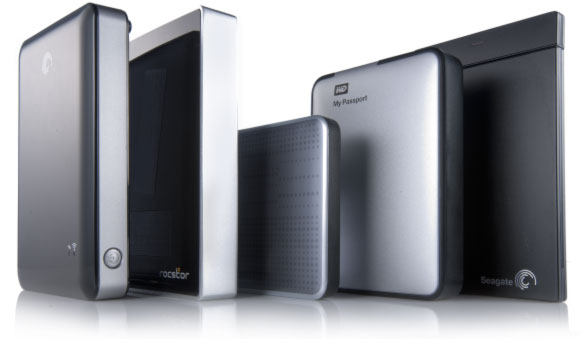
Single-drive attached storage options such as personal clouds, USB 3.0 and SATA enclosures are becoming increasingly popular among home users and in small offices. WD, Buffalo, Shuttle, Synology, Qnap and many other manufacturers offer a wide range of sealed and removable-disk, single and multiple-bay solutions. Not all of these are created equal. Some solutions are inherently more feature-reach than others, and some models are more reliable than the rest of the crowd. However, even the most reliable storage will eventually fail or need replacement. In this article, we’ll have a look at what one can do to preserve (or recover) information stored in these systems.

  • |
  • |
  • 8 min. Reading |

Today’s data recovery tools have no problem recovering your data from a recently formatted hard drive or memory card. If you are following our publications, you may already know how they do it (and if you don’t, you’re welcome to read “Content Aware Recovery and Data Carving Explained” we published two weeks ago). But why exactly is this possible? Isn’t the very purpose of formatting the disk destroying everything on it? Well, not quire. Let’s have a look at what actually happens when you format (or “initialize”) a disk volume.

Online Chat with Recovery Software