RecoverySoftware’s Blog – Page 7

Discover effective methods and step-by-step guides to recover data from your devices. Stay ahead of the game with our advice on retrieval data or storage security.

Data loss can happen unexpectedly and leave us in a state of panic. Thankfully, there are powerful data recovery software options available to help retrieve our valuable files. In this review, we will explore RS Partition Recovery, Recuva, EaseUS Data Recovery Wizard, Stellar Data Recovery, Disk Drill, R-Studio, MiniTool Power Data Recovery and DiskInternals Partition Recovery. By examining their key features, pros and cons, you can make an informed decision and find the perfect data recovery solution for your needs.
Accidentally deleting data from an external hard drive can be a distressing experience, especially when valuable files are involved. However, there's no need to panic because data recovery is indeed possible. In this article, we will provide you with essential insights and practical tips to help you recover your deleted data from an external hard drive. Whether it's a vital document, cherished photos, or important project files, we've got you covered.

Modern technologies let us recover files from a hard disk if they are lost after ordinary deletion, file transfer or copy failures, other software errors, attempts to reinstall Windows, or if they disappear as a result of partition formatting, after a partition is damaged, or because the whole disk was formatted. You can do it by employing either integrated Windows tools or dedicated data recovery utilities. Let's explore all options in detail.

Have you ever experienced the distressing situation of unintentionally deleting essential disk partitions? Whether it's system partitions, user partitions, or even an entire disk erased by mistake, the prospect of losing valuable data can be daunting. However, there is still hope. In many cases, it is indeed possible to recover deleted disk partitions and retrieve the lost information. This article will guide you through various options and techniques to facilitate the recovery process. So, if you find yourself in such a predicament, read on to explore the effective methods for recovering a deleted disk partition and reclaim your precious data.

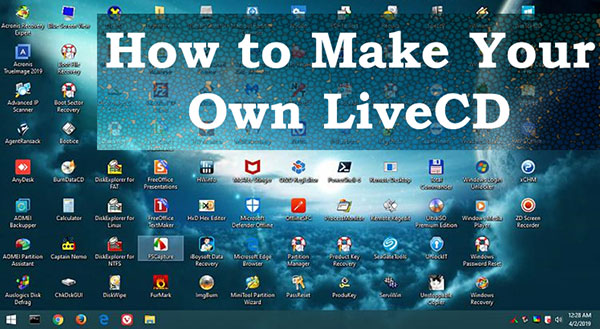
To Make Your Own LiveCD, you should get a stand-alone software environment image and write it to a USB flash drive, or to another removable media like an external hard drive, or an optical disk if your computer has a DVD drive. If you need a ready-made solution, the image can be downloaded from the Internet. Alternatively, you can create a LiveCD of your own that suits your particular needs. Let’s explore all options in detail.

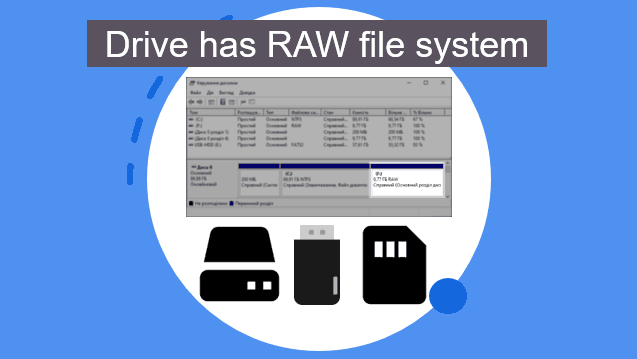
What should you do if you try to open a disk or USB drive on your computer, but they can’t be accessed because they have a RAW file system? How can you restore access to a RAW disk or USB drive? And the most important - how can you bring your data back in such case? Below, you’ll learn what kind of file system is RAW, how to fix it, and how to recover your data.

One of the important criteria for choosing a NAS (network attached storage) device is its ability to ensure data integrity using RAID arrays. However, to ensure reliable data protection, it is important to choose the correct RAID configuration. In this article, we will consider the implementation of RAID on different NAS devices, compare performance and reliability, and determine the optimal option for specific cases. We will also help you choose the most suitable file system to use in a RAID array on your NAS device.