RecoverySoftware’s Blog – Page 8

Discover effective methods and step-by-step guides to recover data from your devices. Stay ahead of the game with our advice on retrieval data or storage security.

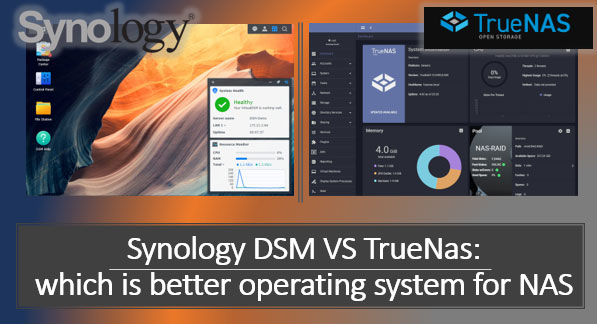
Data storage and access are one of the key aspects of modern life, and the need for reliable and efficient data storage increases every year. One popular solution in this area is Network Attached Storage (NAS) devices. They allow you to create local network data storage, providing fast and convenient access to information. However, choosing the appropriate operating system to manage a NAS can be a challenging task. In this article, we will look at two of the most popular operating systems for managing NAS - Synology DSM and TrueNAS, and try to determine which one is better suited to your needs.
How to recover a USB drive after formatting? That is, if it was incorrect formatting, after which the USB drive may not be displayed at all, or displayed in a different format (or as a RAW device), or shown as some unallocated disk space etc. If this is what happened in your case, you need a computer to fix the problem. If you’re lucky, the USB drive can be repaired with Windows integrated features, but you might have to spend some time dealing with more complicated tools.

The Linux operating system is quite flexible. It can be used on desktops as well as on servers. The main thing is to choose the correct file system for your needs. In this article, we will look in detail at the ZFS file system.

Defender Windows 11 is a native antivirus for the Windows 11 operating system. It provides a basic level of protection. How to launch Defender? How to extract a file from its quarantine? How to add files to Defender's exceptions? How to disable it when needed? What to do if there are problems with its operation? Let's explore all the critical issues in the standard Windows 11 antivirus work.