RecoverySoftware’s Blog – Page 3

Discover effective methods and step-by-step guides to recover data from your devices. Stay ahead of the game with our advice on retrieval data or storage security.

When a disk in a RAID array fails, the server administrator or NAS owner faces a critical choice: start a standard rebuild or use RAID data recovery software. A conventional rebuild can take from several hours to a week depending on disk capacity and RAID level, leaving the system exposed to subsequent failures. The alternative is software, which is especially important in cases of multiple disk failures or when the business cannot afford prolonged downtime.

Virtual Machine Disk (VMDK) files are at the core of VMware environments, storing entire virtual machine data including the operating system, applications, and user files. When a VMDK becomes corrupt, deleted, or inaccessible, the virtual machine may fail to boot, putting critical business data at risk. For IT admins, system engineers, and even individual users running VMware Workstation, ESXi, or Fusion, having a reliable VMDK recovery tool is essential.

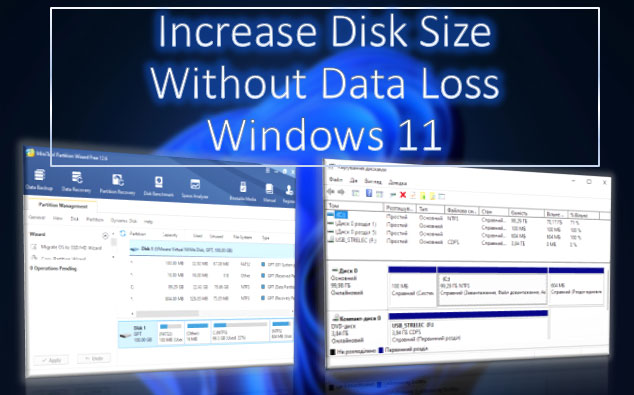
What to do if there is not enough free space on drives C, D, E, etc.? If our needs require a larger disk volume, we can increase the size of one disk by reducing the size of another. This task can be accomplished using the built-in tools of Windows 11 or with third-party disk management programs that offer more flexible operations. Let's take a detailed look at how to extend a disk in Windows 11.

How to Recover Data from Parallels Virtual Machines if the data is lost due to accidental deletion or software failure? How to transfer data from a Parallels virtual machine if it is damaged and cannot be restored? In the first case, data recovery software might be the only solution. In the second case, you can try to take some steps to revive the machine. If this proves impossible, the same data recovery programs with special functionality—support for virtual hard drives—can help.

Hard Drive Failure—whether it's an internal or external drive, an HDD or SSD—can lead to significant issues. We might lose a well-configured operating system along with all installed and customized programs. But most importantly, we risk losing valuable data. What are the signs that a hard drive is failing? How can we prevent data loss? And what should we do with the failing hard drive?

How to Create a Hardware RAID on a Motherboard? Each motherboard manufacturer provides its own interface, organization, and BIOS functions. Therefore, the process of creating a disk array will vary depending on the motherboard. The hardware RAID itself—supported configurations (levels) and their capabilities—is determined by the RAID technology from the chipset manufacturer, namely Intel and AMD.

Below, we will examine in detail the implementation of RAID on an Asus motherboard using the AMD platform. We will explore the capabilities of modern AMD hardware RAID technology, how to create such a RAID, how to delete it, and what to do if you encounter issues.