- Den Broosen |
- |
- 4 min. Reading |
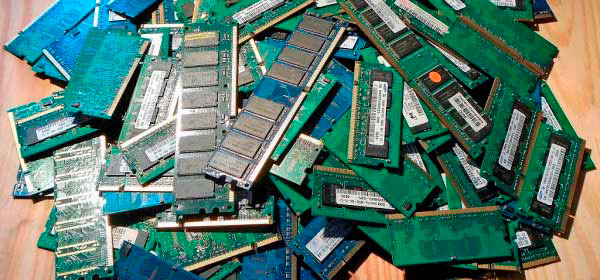
Regularly checking the RAM for errors will help protect yourself from losing important data and other problems. Below we will describe the main ways of RAM checking with built-in Windows tools.

Regularly checking the RAM for errors will help protect yourself from losing important data and other problems. Below we will describe the main ways of RAM checking with built-in Windows tools.
Would you like to know about the functions, parameters, and purpose of the Recycle Bin? Don't know how to recover files from it after cleaning or how to hide the Recycle Bin shortcut? Below we will tell you about all the features of working with this interface element.

Today we will look at the causes and methods of fixing the "Windows detected a hard disk problem" error that leads to critical system problems.

In this article, you will learn about the main ways to recover data lost after reinstalling the Windows operating system.
Windows System Restore Points are saved system files of the operating system, which, in case of failure, can be used to restore the correct functionality of the operating system. With the help of recovery points, any user can quickly "rollback" his operating system to a functional state, rather than engage in a lengthy process of reinstallation. In this article, we will talk in detail about how to create and work with recovery points, how to remove them, and restore the operating system using firmware and third-party software.
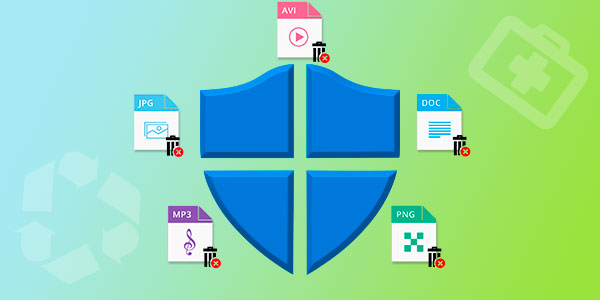
Built-in Windows security removed valuable data or quarantined it? Today we will talk about ways to recover deleted data, analyze where moved files go, as well as provide optimal settings for the built-in OS defender.

In this article, we will talk about how to encrypt files and folders with the standard Windows 10 encryption methods and take a look at two encryption utilities: BitLocker and EFS.
Problems with USB drives can cause many inconveniences. Today we will look at simple ways to troubleshoot flash drives that do not work correctly, are not displayed, or are not detected by Windows.



