- Den Broosen |
- |
- 15 min. Reading |
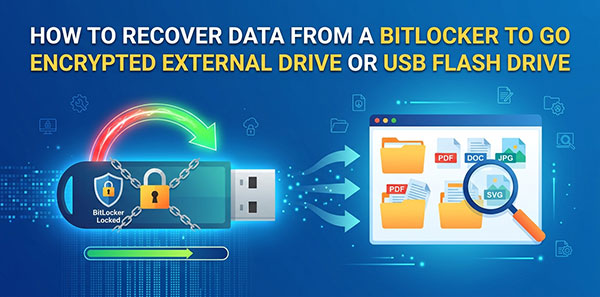
BitLocker To Go is the same encryption engine as system-drive BitLocker, applied to removable media — external HDDs, SSDs, and USB flash drives. The unlock mechanics carry over from our guide to recovering an internal BitLocker volume, but removable drives fail differently in practice: no TPM to fall back on, a visible FAT32 partition that gets mistaken for the whole drive, and a higher rate of physical disconnects mid-operation. This guide covers what's specific to external and USB drives.