Recovering Data from HDD

Learn effective methods for data recovery from HDDs. Discover expert tips and tools for successful data retrieval from hard disk drives.

While software-based recovery is pretty much the only method available to ordinary computer users, this method has an awful lot of assumptions. It needs your hard drive to be working and in a reasonably healthy condition, both mechanically and electronically. Your computer’s BIOS must recognize the hard drive, at very least exposing it to low-level functions of the OS. Finally, the OS must be able to read the drive, at least in low-level mode.


Linux. Lots and lots of people are using one or more Linux devices without realizing it. Android phones are running a variation of Linux, with their internal storage formatted in one of the Linux-supported file systems. Ubuntu is also a version of Linux. Many Web servers and nearly all NAS (Network Attached Storage) devices run an embedded version of Linux. Your home Wi-Fi router is probably Linux. Even your digital camera is most probably running embedded Linux! Chances are, your refrigerator and coffee maker will run Linux, sooner or later.

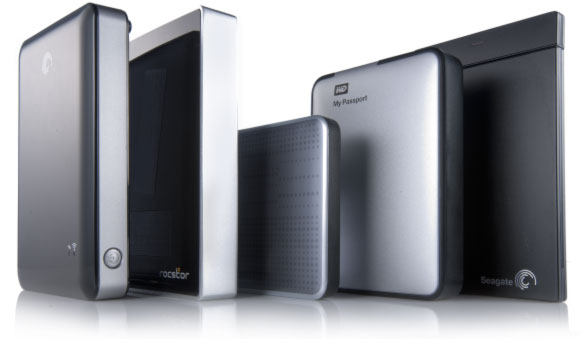
Single-drive attached storage options such as personal clouds, USB 3.0 and SATA enclosures are becoming increasingly popular among home users and in small offices. WD, Buffalo, Shuttle, Synology, Qnap and many other manufacturers offer a wide range of sealed and removable-disk, single and multiple-bay solutions. Not all of these are created equal. Some solutions are inherently more feature-reach than others, and some models are more reliable than the rest of the crowd. However, even the most reliable storage will eventually fail or need replacement. In this article, we’ll have a look at what one can do to preserve (or recover) information stored in these systems.

  • |
  • |
  • 8 min. Reading |

Today’s data recovery tools have no problem recovering your data from a recently formatted hard drive or memory card. If you are following our publications, you may already know how they do it (and if you don’t, you’re welcome to read “Content Aware Recovery and Data Carving Explained” we published two weeks ago). But why exactly is this possible? Isn’t the very purpose of formatting the disk destroying everything on it? Well, not quire. Let’s have a look at what actually happens when you format (or “initialize”) a disk volume.

Fragmentation. Hurting computer performance and making your files less recoverable, fragmentation can become your worst enemy when it comes to recovering lost data. Why does that happen, what can be done to recover fragmented files, and how to avoid fragmentation in the first place? Read along to find out.

Online Chat with Recovery Software