
- Den Broosen |
- |
- 8 min. Reading |
Restored data does not open or work incorrectly? Today we will talk about possible causes and ways of solving errors that prevent access to information after it has been recovered.

Discover effective methods and step-by-step guides to recover data from your devices. Stay ahead of the game with our advice on retrieval data or storage security.
Restored data does not open or work incorrectly? Today we will talk about possible causes and ways of solving errors that prevent access to information after it has been recovered.

Sometimes it is impossible to format a USB flash drive or SD card, transfer or write data to it. The Windows system displays an error message saying, "The drive is write-protected. Remove the protection or use a different drive". In this article, we will analyze the causes and solutions to this problem.

Media files and data received in WhatsApp are saved by the program, but sometimes it happens that the chat history is completely cleared. It can be an accidental formatting of a memory card, viral software corruption, physical drive damage, or trite phone replacement. In this article, we will explain how to recover chat history and media files in WhatsApp using convenient and fast methods.
Has an OpenOffice document been deleted or not saved in the process? Today we will talk about how to recover removed.ODT documents and additional autosave settings.
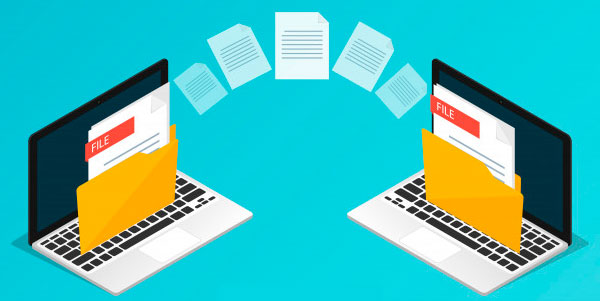
Do you need to transfer your data and system settings from one computer to another quickly and safely? Read about the easiest and most effective ways to transfer information, suitable for beginners and advanced users.

Disabling some Windows 10 features and services will increase FPS in games, speed up programs, and demanding applications. Below is a list of features and services that you can disable.
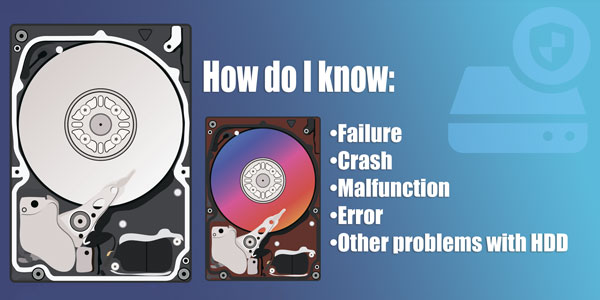
A sudden failure, malfunction, or outage of the hard drive may result in the loss of important data stored. Timely identification and correction of coming hard drive problems can help save valuable information from the problem drive.
Today we're going to look at how to bring back a previous Windows version if you installed Windows 8/10, why you need the Windows.old folder, why it takes up so much space, and how you can remove it



