- Den Broosen |
- |
- 6 min. Reading |
Today we will talk about the reasons and basic methods for eliminating "A disk read error occurred" or "BOOTMGR is Missing" errors that may happen while running Windows 10.

Today we will talk about the reasons and basic methods for eliminating "A disk read error occurred" or "BOOTMGR is Missing" errors that may happen while running Windows 10.

Do you need to transfer your data and system settings from one computer to another quickly and safely? Read about the easiest and most effective ways to transfer information, suitable for beginners and advanced users.

Disabling some Windows 10 features and services will increase FPS in games, speed up programs, and demanding applications. Below is a list of features and services that you can disable.
Today we're going to look at how to bring back a previous Windows version if you installed Windows 8/10, why you need the Windows.old folder, why it takes up so much space, and how you can remove it

Today we will consider the built-in Windows feature of "smart" deletion of unnecessary data, learn what files are deleted during disk cleaning, as well as analyze what data can be deleted without affecting the operating system.
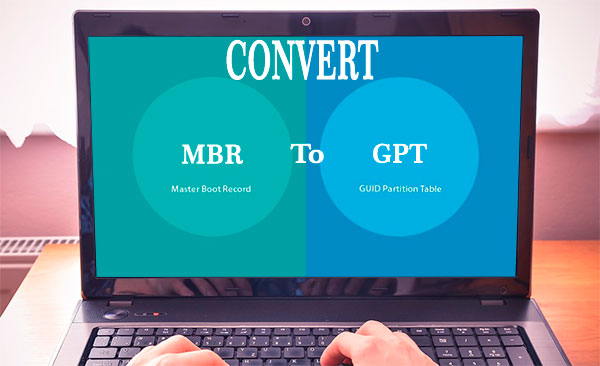
Since 1983, the Master Boot Record (MBR) has been used in most personal and industrial computers. The MBR itself is the code and set of boot information required to run Windows. Due to the archaic structure of the master boot record, it had many limitations that negatively affected modern and productive computers equipped with large amounts of memory. To resolve this problem, a new standard for placing tables on HDD was developed around 2010 and was called GPT. The new format eliminated the disadvantages of the old one. It also opened up the potential of more powerful components, so modern motherboards from the factory are equipped with the UEFI BIOS mode, which is a prerequisite for working with discs converted to the GPT format. The general introduction of GPT and UEFI BIOS created some confusion, so users began to face problems with different formats and the inability of new hardware to work correctly on the old formats.
Today we will review the system folders and directories "$WINDOWS.~BT" "$WINDOWS.~WS", find out what they are for, and clear a significant amount of disk space by removing unnecessary or unused data.
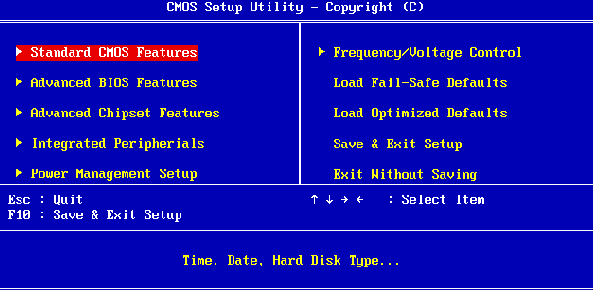
There are various ways to find out the current BIOS version at startup or from a running operating system, and to update the BIOS to the latest version. The most convenient of them will be presented below.



