- Den Broosen |
- |
- 8 min. Reading |
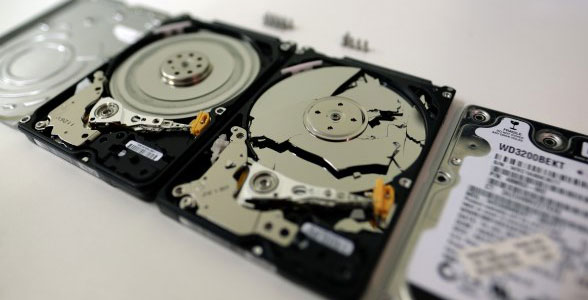
External hard drive not showing up in Windows 10 or you can’t work with it? Does your PC not work with a TV formatted flash drive? You can find a solution to these problems in this article.
Below we will look at the problems with DDL files in the most popular versions of Windows, understand why there are problems with DLL, and provide solutions to them.
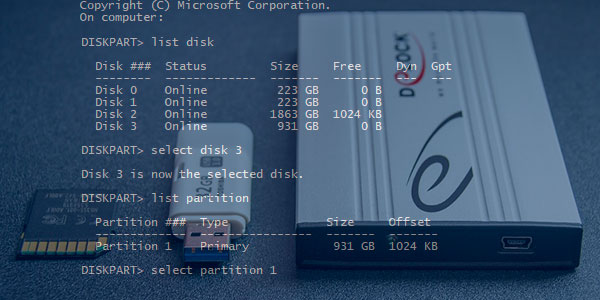
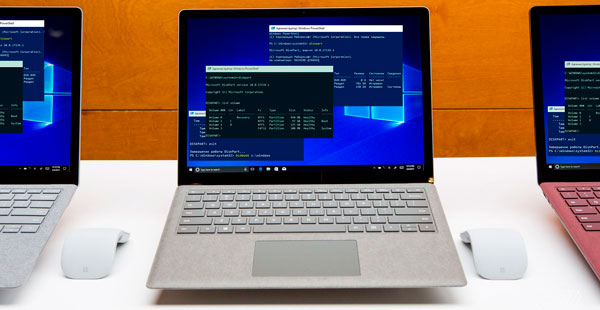
The built-in Diskpart utility is a useful tool for correcting logical errors and restoring hard drives, flash drives, and other storage devices.
Black screen on Windows startup is an incredibly unpleasant problem that can occur at the most inappropriate moment. Most often, the appearance of this problem is associated with updating the operating system, installing drivers, and making other changes to the software responsible for the correct performance and launch of Windows. The black screen may appear with or without a cursor when the system boots up. In this article, we will deal with how a black screen appears and how to fix it in the fastest and most understandable way.
Running Windows 10 from a flash drive will be very useful if you can't boot Windows or if your hard drive is damaged, which can happen anytime.
Windows generate an error at boot time and not start? You can solve problems with the startup of the operating system and repair loader functionality using the command line.
In this article, we will present several ways to enable AHCI mode for SATA in the BIOS without reinstalling Windows 10 and thus improve the performance, efficiency and power consumption of modern HDD and SSD drives...
Safe mode in Windows 10, as in any other version of the OS, is a convenient way to solve problems with the operating system. By running in safe mode, the user can get a clean Windows boot, avoiding the automatic launch various software, such as drivers, autoload, utilities, and malicious viruses. In this state, the operating system will be ready to fix and diagnose all kinds of problems. Besides, the Safe Mode significantly improves the efficiency of virus removal.