- Den Broosen |
- |
- 8 min. Reading |
Would you like to return your Windows 10 operating system to the factory (standard) settings without reinstalling? Below we will analyze the main ways of resetting the system to its original settings.

Discover effective methods and step-by-step guides to recover data from your devices. Stay ahead of the game with our advice on retrieval data or storage security.
Would you like to return your Windows 10 operating system to the factory (standard) settings without reinstalling? Below we will analyze the main ways of resetting the system to its original settings.

Many users have come across the fact that their Windows 10 account name is displayed on the system boot screen. It is because the OS assigns identifiers in the form to almost everything. The name of a user, computer, or workgroup, all have a certain unique name for quick identification. Thus, during the launch, the name is displayed, which was given during the OS installing on the computer.
What is the purpose, advantages and disadvantages of the ReFS file system? Below we will compare the differences between ReFS and NTFS and talk about the features of functioning and recovery of lost information from different types of file systems.
Today we'll see how deleting files to cloud storage works and how to recover downloaded data that has disappeared from Dropbox, Google Drive, and Microsoft OneDrive cloud storage.
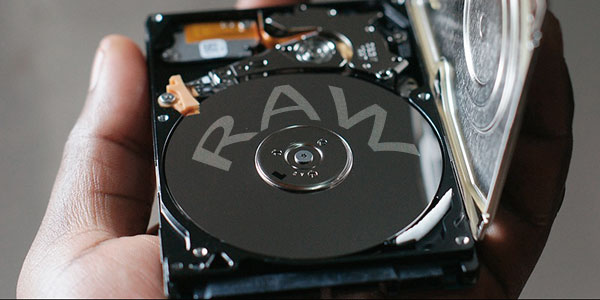
The operating system detect the hard drive or flash drive in the RAW file system? Today you will learn how to convert RAW to an NTFS or FAT 32 file system and recover lost files and data after changes have been made.

Fine-tuning of the security filter SmartScreen will allow you to take advantage of the protection system comfortably, and get rid of annoying notifications. Below you will find the options to configure or completly disable the SmartScreen.
Today we will describe the main ways to detect malicious programs and the symptoms of the system infection.
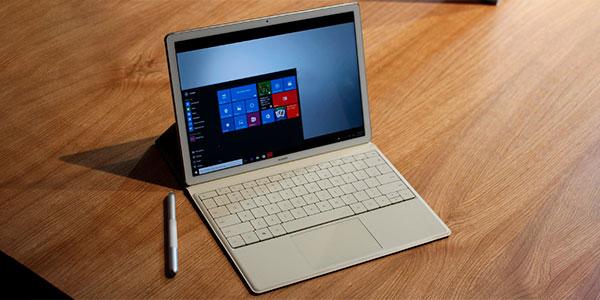
Today we will look at the difference between a Windows 10 clean install, resetting the system to factory defaults, and a "Fresh Start" feature.



