
- Den Broosen |
- |
- 12 min. Reading |
Below we will analyze the main methods of viewing the latest events in your computer and tell you about the traces that every Windows user leaves behind.

Discover effective methods and step-by-step guides to recover data from your devices. Stay ahead of the game with our advice on retrieval data or storage security.
Below we will analyze the main methods of viewing the latest events in your computer and tell you about the traces that every Windows user leaves behind.
Built-in Windows Lock system prevents you from viewing files and documents downloaded from the Internet? Here are the main ways to disable such locks.

What is the "Runtime Broker" process? What is it responsible for, and why it slows down the operating system? What to do with it? You can find the answers to all these questions in this article.
You don't know what to do if the Windows user account doesn't start or if the "can't login" error occurs? A solution to these and other login issues will be provided below.
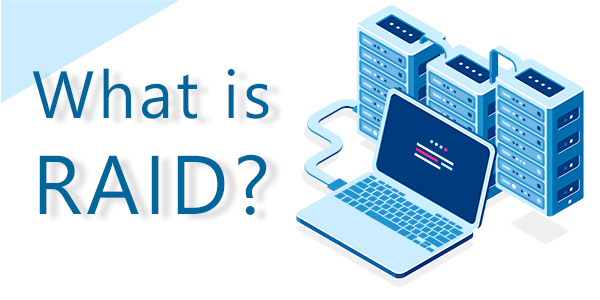
Each year, the performance of computer hardware is increasing at a high rate. Processors are equipped with a large number of cores and streams, and graphics cards with a higher chip frequency. However, as for hard drives, it seems that their limit has been reached a long time ago and has been frozen since then. HDD specifications have recently been changing only in capacity, but not speed. SSD drives can correct this situation, but as a rule, they are much more expensive and have relatively low resource potential. Even before the advent of SSDs, so-called RAID arrays were invented in 1987. Below we will tell you what these arrays are, what kinds of arrays exist, and why a typical user needs them.

Built-in Windows 10 system file recovery tools (FSC and DISM) allow you to get your system back up to the working state quickly. Today you will learn how to scan your system for errors, recover damaged data, and fix other OS problems.
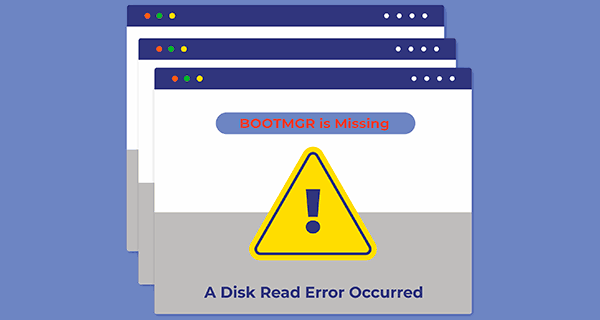
Today we will talk about the reasons and basic methods for eliminating "A disk read error occurred" or "BOOTMGR is Missing" errors that may happen while running Windows 10.
File systems are used to control how data is written to disk, to control access to this data, and to store information and metadata about files. File systems are continually being reviewed to provide more functionality and are becoming more efficient each time.



