- Den Broosen |
- |
- 20 min. Reading |

Discover effective methods and step-by-step guides to recover data from your devices. Stay ahead of the game with our advice on retrieval data or storage security.
The Windows OS has a very handy feature that allows you to roll back the system to a previous state, if necessary. Usually, it is used in case of problems with the OS functioning, such as Windows registry corruption, operating system freezing, etc. As practice shows, this tool is used very often, because it is easy to use and allows you to solve many problems. In this article, we will look at how to recover files after system restoration.
When choosing an SSD for home use, you may come across a characteristic such as the type of memory or controller used and wonder whether it is better to use MLC or TLC (you may also come across other memory type designations such as V-NAND or 3D NAND), and which controller to choose. Also, QLC memory drives have recently appeared which are attractively priced.
In this article, we will talk about the types of controllers and flash memory used in SSDs, their advantages and disadvantages, and which option may be more preferable when buying an SSD.
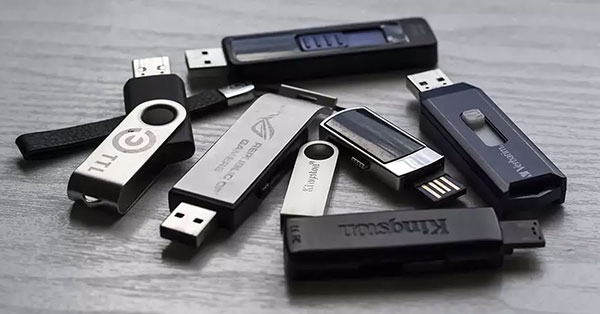
In this article we will describe what you can do if you connect a flash drive to your computer and the operating system does not recognize the flash drive's file system or indicates that you connected a RAW drive, and how not to lose the data that was stored on such pen drive.

This article is written especially for people who care about their data security and take steps to prevent personal data, bank account data and other information from getting into the hands of third parties and attackers.
Did you accidentally delete an important bookmark and want to restore it? Maybe you have cleared your Google browsing history and need to get back to a site with important information you visited before? In this article, we will describe in detail how to Recover Google Chrome Bookmarks and History.

In the modern world, SSDs are becoming more and more popular because of their extremely high data transfer rate. However, when working with SSDs, just as with a hard drive, you need to be able to analyze its state so that you do not lose important data. SSD drives support SMART disk analysis technology. In this article, we will look at how to check the health of your SSD drive based on SMART data.

During the Windows installation process, many users do not think about how important it is to choose the right username. It is the name you will see when you log in to the operating system and one of the root words on the way to any installed program. The name of the user’s folder depends on the name of the account. In this article, we will look into how you can rename a user folder in Windows 10.