RecoverySoftware’s Blog – Page 4

Discover effective methods and step-by-step guides to recover data from your devices. Stay ahead of the game with our advice on retrieval data or storage security.

How to Create a Hardware RAID on an Intel Platform, i.e., on a computer with an Intel processor and motherboard chipset? This can be done using the BIOS tools or by using the Windows application Intel Optane Memory and Storage Management.

Below, we will explore how to create a RAID using this program, how to recover it in case of degradation, and how to delete it. But first, let's discuss the technology behind Intel's hardware RAID implementation - Intel Rapid Storage.
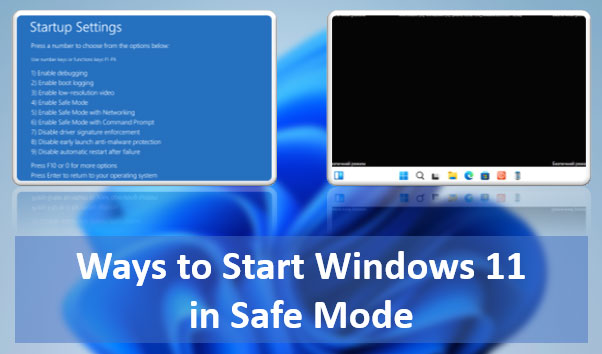
What are the ways to start Windows 11 in Safe Mode? There are many: using both classic and modern functionalities of the operating system, using the command line. It can be launched from various Windows 11 environments – within the running system, on the lock screen, from installation media. You can even make it accessible in the Windows 11 boot menu.

Let's explore all these methods.

How to Recover an Unsaved LibreOffice Document? How to Recover a Corrupted LibreOffice Document? LibreOffice is a functional office suite, considered the best alternative to Microsoft Office. It has built-in tools to address these issues. Below, we will explore how to recover ODS, ODT, ODP, ODG files—formats for Calc, Writer, Impress, Draw applications, respectively—and others. We will discuss how to do this using LibreOffice's built-in tools and other solutions.

How to Recover Deleted LibreOffice Documents? You can easily restore them from the operating system's recycle bin. However, this is only possible if they were deleted from the internal disk and not from a removable storage device, if the deletion did not bypass the recycle bin, and if the recycle bin itself has not been emptied. In other cases, you will need to use specialized data recovery software to restore the documents. Let's take a detailed look at how to recover deleted ODT, ODS, ODP, ODG files and other formats used by LibreOffice.

System Backup is one of the crucial aspects of working with a computer. It ensures the restoration of the operating system to a functional state after a failure, virus attack, or unwanted user interference. Windows 11 has two built-in backup mechanisms, one of which is Windows 11 Restore Points. What is this mechanism? How do you create a restore point? How do you load a restore point and roll back the system to a working state? How do you do this from the Windows 11 recovery environment? We will address these and other questions below.

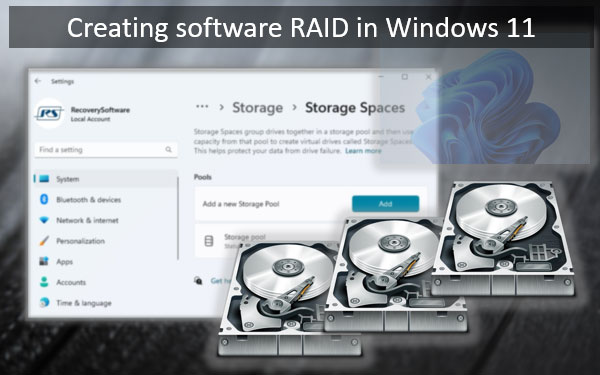
Windows 11 natively supports the creation of software RAID. And for these purposes, it has various tools in its arsenal. One of them is the Storage Spaces feature. In Windows 11, this feature, in addition to the existing classic implementation, has received a new implementation in the modern WinUI system interface. With better usability. And with some functional improvements. How to create software RAID in Windows 11 using Storage Spaces in the WinUI interface?