
- Den Broosen |
- |
- 8 min. Reading |
- 1 Comments
In this article, you will learn about the main ways to recover data lost after reinstalling the Windows operating system.

Discover effective methods and step-by-step guides to recover data from your devices. Stay ahead of the game with our advice on retrieval data or storage security.
In this article, you will learn about the main ways to recover data lost after reinstalling the Windows operating system.

Does your hard drive or solid-state drive contain many unnecessary data that take up free space? Below we will look at the 8 most effective ways to delete files permanently.

In this article, you can find out where you can find saved access passwords for browsers, as well as ways to recover forgotten information to log into accounts.

Windows System Restore Points are saved system files of the operating system, which, in case of failure, can be used to restore the correct functionality of the operating system. With the help of recovery points, any user can quickly "rollback" his operating system to a functional state, rather than engage in a lengthy process of reinstallation. In this article, we will talk in detail about how to create and work with recovery points, how to remove them, and restore the operating system using firmware and third-party software.
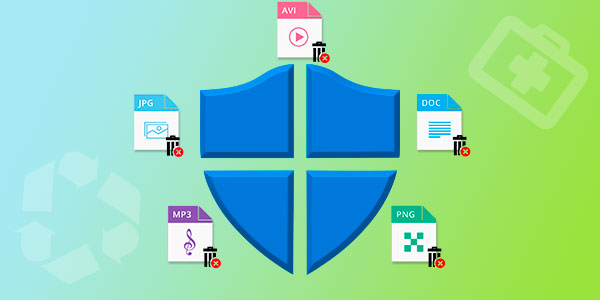
Built-in Windows security removed valuable data or quarantined it? Today we will talk about ways to recover deleted data, analyze where moved files go, as well as provide optimal settings for the built-in OS defender.
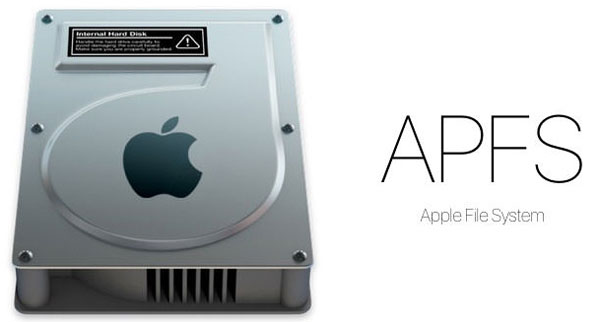
APFS (Apple File System) is a new file system that is used on all Apple devices, from Apple Watch to Mac computers. It is "honed" to flash memory and has replaced the outdated HFS+. Today, almost every new gadget that Apple sells runs on a flash drive, including most Mac computers. When developing the new file system, much attention was paid to improving read and write speeds and overall reliability when it comes to storage and transfer.

Today we will look at the most effective ways to completely delete files without the recover ability.

In this article, we will talk about how to encrypt files and folders with the standard Windows 10 encryption methods and take a look at two encryption utilities: BitLocker and EFS.



