Recovering Data from Windows

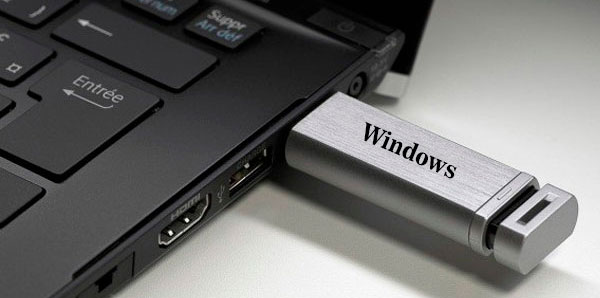
Modern technologies are gradually replacing more archaic solutions. Today no one remembers the film cassettes and various floppy disks, which were replaced by convenient and much more spacious CDs. But time turned out to be cruel even to the discs, which was first in the niche for a long time. At the moment, the most popular device for fast transfer of volumetric information is a USB flash drive, capable of performing the functions of recording and transferring data much more convenient than a classic disk. The flash drives have almost wholly superseded the discs, and in new computers, they have even stopped mounting the CD drives because they are not needed.
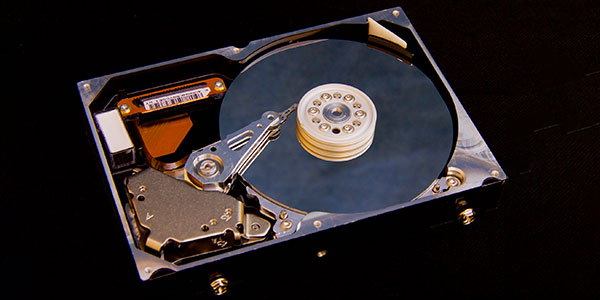
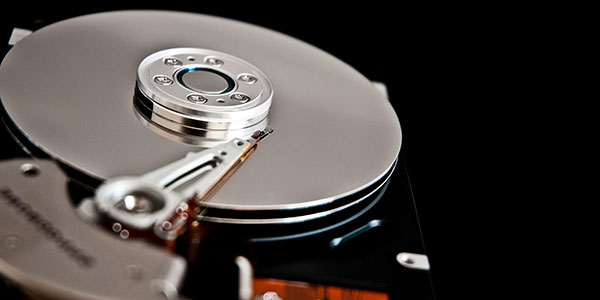
With the abundance of do-it-yourself data recovery tools on the market, many manufacturers claim that recovering missing data is a matter of one-two-three. If you are recovering files from a secondary hard drive, a USB flash drive or a memory card. However, if the files you are about to recover are located on your Windows partition, there are additional steps to take before recovering information.

Wait a second… is it possible to make the hard drive work faster, or are we just talking about software optimizations? In fact, you can make your hard drive more responsive on a hardware level. Combined with software optimization techniques, this can help you gain a significant amount of extra speed out of your existing system. So let’s begin!

Online Chat with Recovery Software