
Recovering Data from NAS

TrueNAS is one of the most optimized operating system for NAS, which was known before as FreeNAS. It is a free operating system, that can be used on the NAS assembled by yourself. The main advantage of the TrueNAS operating system is the ability to work with the modern and productive ZFS file system. In addition, the True NAS can realize the unique RAID configurations like RAID-Z and RAID-Z2. But how to install the TrueNAS? How to setup it to your basic requirements? How to connect NAS on Windows PC?
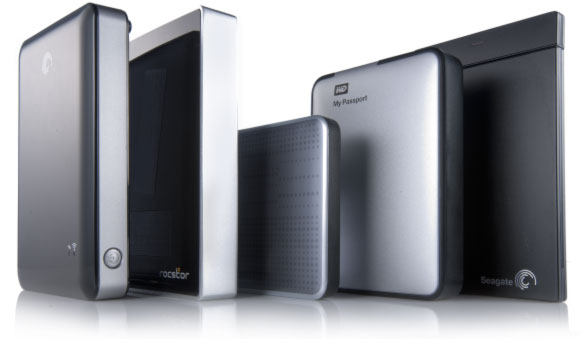

Single-drive attached storage options such as personal clouds, USB 3.0 and SATA enclosures are becoming increasingly popular among home users and in small offices. WD, Buffalo, Shuttle, Synology, Qnap and many other manufacturers offer a wide range of sealed and removable-disk, single and multiple-bay solutions. Not all of these are created equal. Some solutions are inherently more feature-reach than others, and some models are more reliable than the rest of the crowd. However, even the most reliable storage will eventually fail or need replacement. In this article, we’ll have a look at what one can do to preserve (or recover) information stored in these systems.

Online Chat with Recovery Software

