Recovering Data from Tips

We've all been there. You're cleaning up your computer, holding down Shift and Delete to remove files quickly, and suddenly realize you've just permanently deleted something important. That sinking feeling in your stomach is all too familiar, but here's the good news: shift deleted files recovery is possible, and those files might not be gone forever.

Have you ever felt that sinking feeling in your stomach when you realize you've just emptied the Trash on your Mac — and that important presentation you've been working on for weeks was in there? You're not alone. This scenario plays out countless times every day for Mac users around the world. The good news? In most cases, your files aren't actually gone. They're just hidden, waiting to be recovered.

Hard Drive Failure—whether it's an internal or external drive, an HDD or SSD—can lead to significant issues. We might lose a well-configured operating system along with all installed and customized programs. But most importantly, we risk losing valuable data. What are the signs that a hard drive is failing? How can we prevent data loss? And what should we do with the failing hard drive?

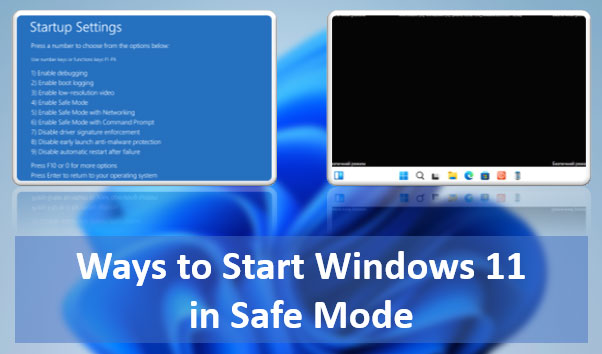
What are the ways to start Windows 11 in Safe Mode? There are many: using both classic and modern functionalities of the operating system, using the command line. It can be launched from various Windows 11 environments – within the running system, on the lock screen, from installation media. You can even make it accessible in the Windows 11 boot menu.

Let's explore all these methods.

How to Recover an Unsaved LibreOffice Document? How to Recover a Corrupted LibreOffice Document? LibreOffice is a functional office suite, considered the best alternative to Microsoft Office. It has built-in tools to address these issues. Below, we will explore how to recover ODS, ODT, ODP, ODG files—formats for Calc, Writer, Impress, Draw applications, respectively—and others. We will discuss how to do this using LibreOffice's built-in tools and other solutions.

System Backup is one of the crucial aspects of working with a computer. It ensures the restoration of the operating system to a functional state after a failure, virus attack, or unwanted user interference. Windows 11 has two built-in backup mechanisms, one of which is Windows 11 Restore Points. What is this mechanism? How do you create a restore point? How do you load a restore point and roll back the system to a working state? How do you do this from the Windows 11 recovery environment? We will address these and other questions below.

Online Chat with Recovery Software